
Custom Development
Alcohol Delivery Market Share and Trends: Size, Growth, & Business Opportunities
7 Apr 2026
Do you want to create credibility for your business? Do you want to reach more people? If yes, you need a website for your business. But the question that constantly puzzles many business owners is whether to make a website on their own or get it made.
Numerous website-creating tools help people make a website without knowing much coding, and Weebly is one of them. Founded in 2006, it allows people to create websites using drag and drop.
Weebly is not the only tool for it; Wix, GoDaddy, and SITE123 also help with website creation. With several choices available to us, we must examine them and then choose one. Therefore in this blog, we will see the Weebly Pros, cons, and alternatives.
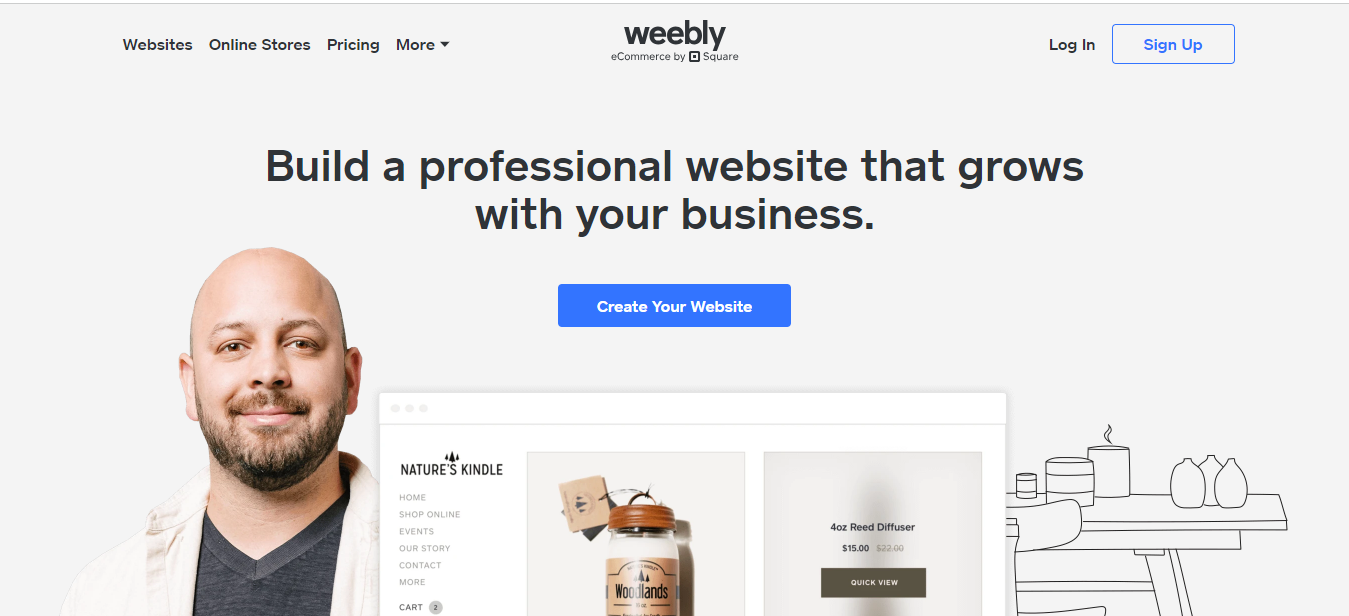
The Weebly free online website creator uses a simple widget-based site builder that operates in the web browser. Every site element is drag-and-drop, and it automatically generates a mobile version of each site.
The storage is limited, but Weebly takes care of it by restricting individual file sizes. Weebly presents its users with the option to have any URL ending in .weebly.com, .com, .net, .co, or .us, and many more.
Android and iPhone apps are available to users, enabling users to watch their website traffic statistics, update blog posts and respond to comments, and add or update products in case users have an e-commerce store.
Weebly offers its users basic features for blogging and e-Commerce. Besides it, website owners can develop simple stores with payments through either PayPal, Stripe, or Authorize.net.
Users can incorporate advertisements into their pages. Also, they can track visitor statistics through an in-house tracking tool or Google Analytics. Weebly also boasts integrated newsletter marketing features.
As of 2020, Weebly is available in 15 languages: English, French, Spanish, Italian, etc.
Let us see its overview before reading about the Weebly Pros and Cons.
It is necessary to go through the advantages and disadvantages of any product you will use in the future. For that reason, we list the Weebly Pros and Cons below.
It will help you to make a better judgment while toying with the idea of using Weebly.
After reading the Weebly Pros and Cons, you might look for other similar tools. Here is a list of Weebly alternatives
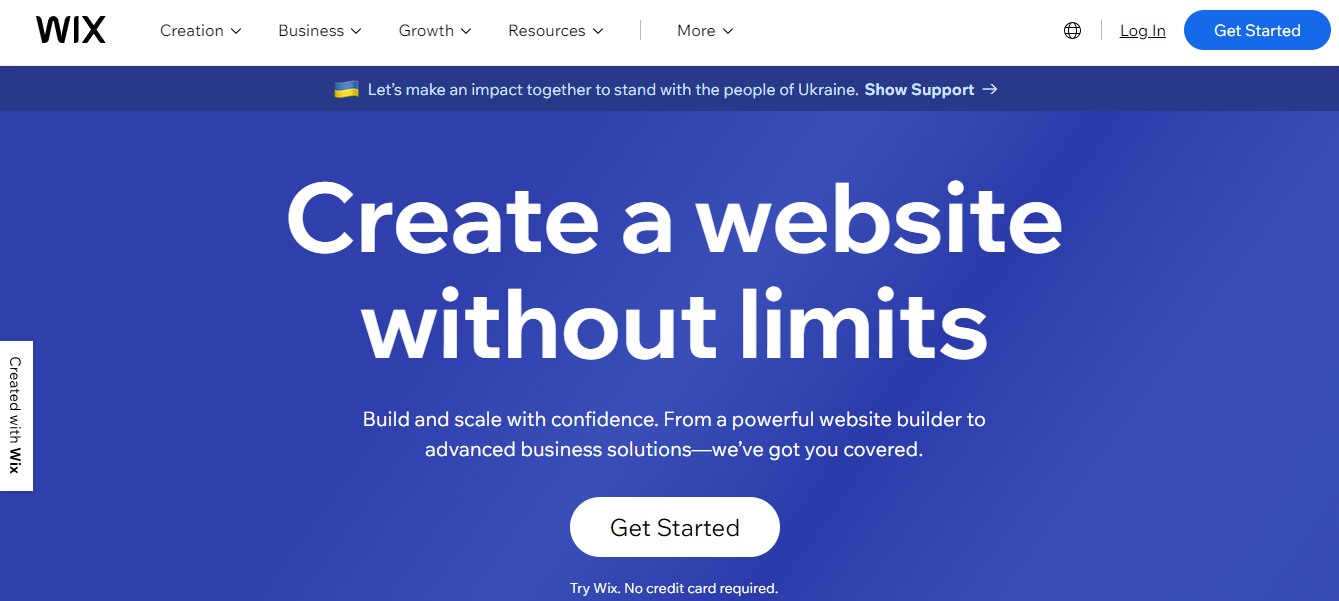
Wix provides its users with over 510 beautifully designed templates and an intuitive drag-and-drop editor to boot. It can build any of the following websites with ease:
The extensive app store, which it offers, is there to help users find a feature they need and install it from there upon getting it. For Website building, users get a design-assisted option, Wix ADI. It works by asking users a series of questions before designing their websites for them– it is something that Weebly does not offer.
User Plans range from free to $35/month depending on your needs, and there’s even a two-week, money-back guarantee.
This Weebly alternative is a platform for creative industries; it provides beautiful templates that make people mistake you for a web developer.
Designs are crucial since 94% of website first impressions are design-related, and its specialty to look after the design aspect makes it a potential alternative to Weebly.
There is more to Squarespace than looks, though – it does not have as many features as Wix and Weebly do, but Squarespace does put a premium on quality.
The Squarespace plans range from $12 – $40/month. The top two plans allow users to create online stores, and there is a two-week free trial, so users can spend some time tinkering before committing to the platform.
SITE123 focuses on simplicity and user experience and offers excellent help and support through live chat, making it user-friendly. It also gives users design assistance, making site creation a breeze.
This Weebly alternative provides fully mobile responsive templates, meaning they adapt to fit all screen sizes. It offers only two plans: free, or $10.80/month.
The premium plan comes with more storage space and bandwidth, and they also remove adverts and let users use eCommerce features.
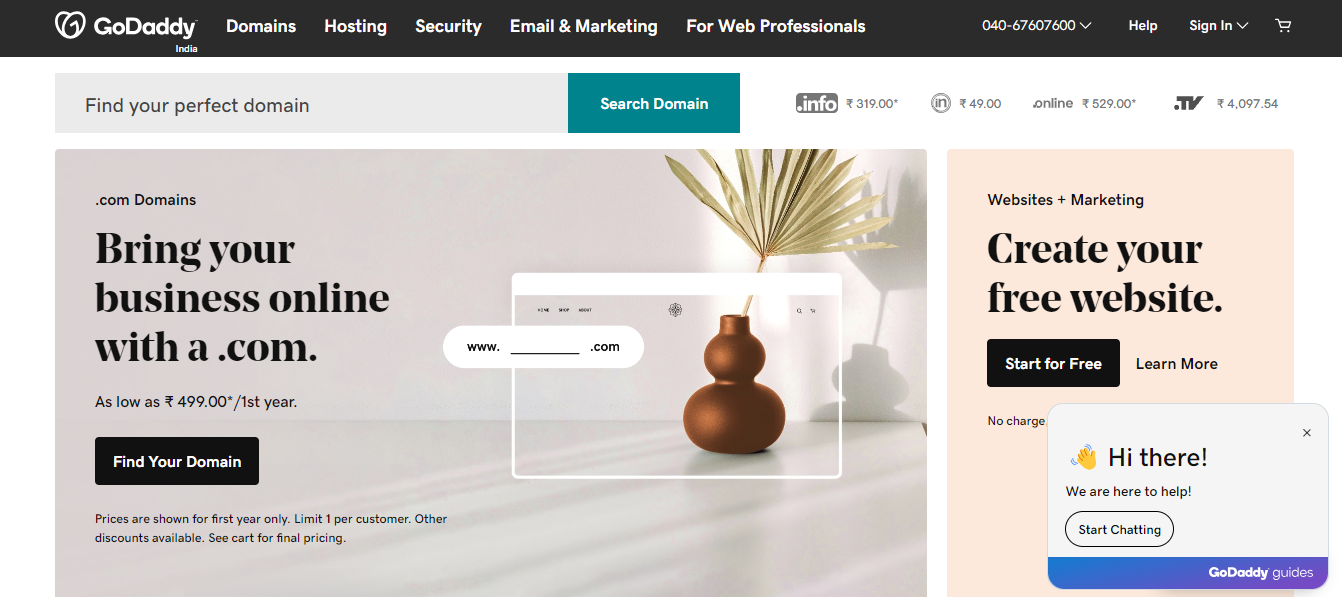
GoDaddy is a very famous brand. Whether you want to build a website, host one, or only buy a domain name, GoDaddy has you covered.
Its website builder, GoCentral, focuses on speed, and it helps to create the initial design of your website for you by asking a series of questions about the site’s purpose.
If you need something up online as soon as possible, GoDaddy is your best bet. It offers you a two-week free trial, and plans range from $5.99 to $29.99/month.It is best for simple businesses or personal sites. It is also adept at creating sleek and functional online stores.
Duda is suitable for those who do not have the creative flair to bring their vision to life but want to create a well-designed website.
Its templates give you a great starting base, and there are helpful tips along the way, offering advice and guidance on building the perfect website.
Users can also place anything, anywhere, so they do not get restricted to a rigid template. Sadly, it all comes with no free plan, and prices range from $14 – $74/month.
Strikingly focuses on speed and simplicity. If users need to design a large, innovative, or complex site, they should avoid this platform.
Strikingly is suitable for simple personal sites such as blogs, online resumes, or events like a party or weddings. It is easy to get started with it as it connects any social media accounts users may have.
Prices range from its free plan right the way through to $49/month.
Weebly is not suited for large eCommerce sites, though it does give smaller players a cost-effective way to enter this field. In addition to it, it is also suitable for personal websites and, to a lesser extent – blogs as there is a free plan available.
AppsRhino is a mobile app development company that powers on-demand mobile apps and business apps for entrepreneurs and enterprises.
Custom Development
7 Apr 2026
Tell us what your business actually runs on today, and we will map what it takes to make it one system.