
Custom Development
Alcohol Delivery Market Share and Trends: Size, Growth, & Business Opportunities
7 Apr 2026
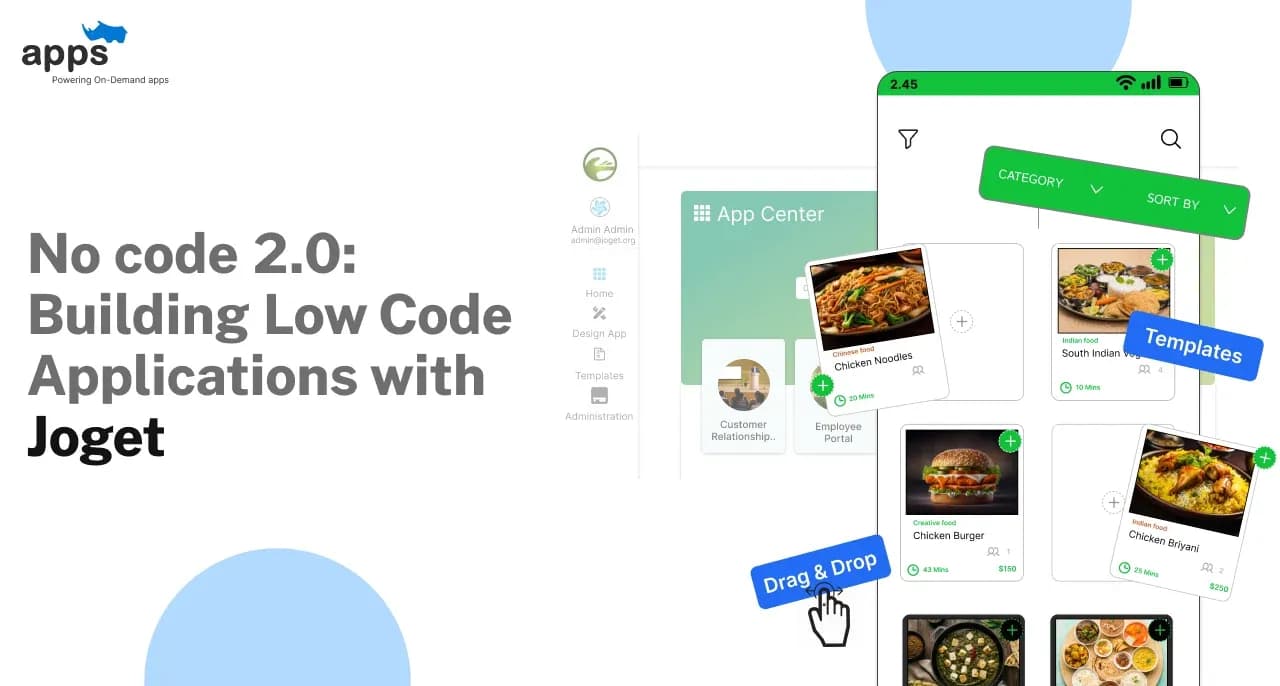
For decades it has been portrayed that building apps is a complicated process. With the development of technology and the pace of life, it doesn’t have to be complicated. With No Code 2.0, creating powerful applications is now easier than ever.
Joget is a leading low-code app development platform that lets you build apps without needing deep coding knowledge. Whether you're a beginner or an experienced developer, Joget low code platform simplifies the process by providing low-code/no-code tools, helping you turn ideas into functional apps quickly.
In this blog, let’s explore how Joget’s low-code app development platform simplifies the low code applications development lifecycle, from initial design to deployment.
Let's dive into the world of low code applications with Joget!
No Code 2.0 is the next generation of low code application development that allows users to create low code applications without any coding skills.
It simplifies the development process by using intuitive, low-code/no-code tools like Joget, enabling both beginners and professionals to build apps quickly.
Joget is a powerful low code app development platform that simplifies the process of creating low code applications.
It offers a user-friendly interface and is ideal for businesses looking to speed up low-code app development and reduce costs.
Joget offers several key features that set it apart from other low-code/no-code tools:
Drag-and-Drop Interface: Easily design workflows and forms with a visual builder.
Extensibility: Integrate with other systems using plugins or custom scripts.
Responsive Design: Create apps that work seamlessly across different devices.
Built-in Templates: Get started quickly with pre-built templates for common low code application examples.
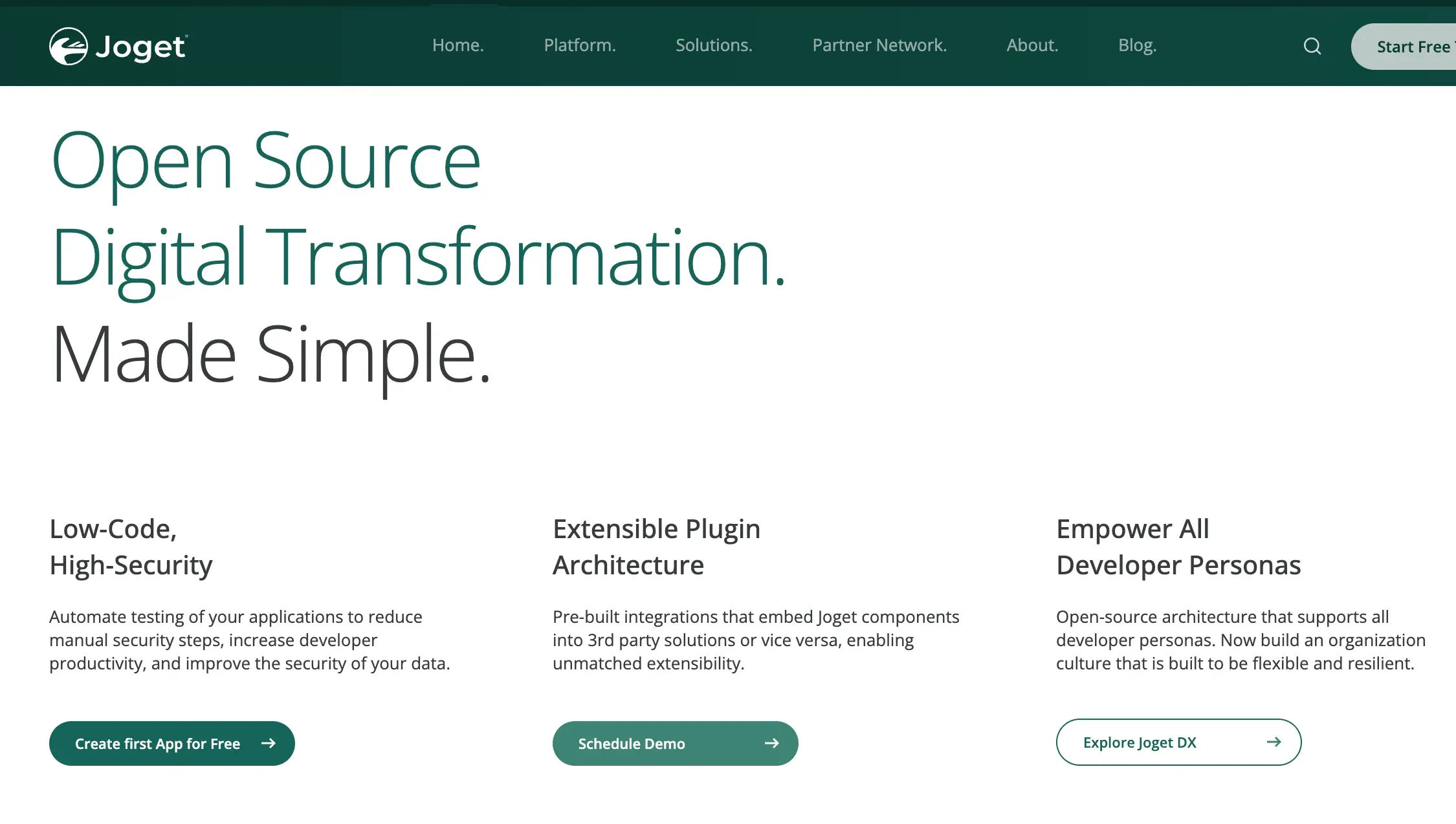
Using Joget for building low code applications offers several key benefits that make it an excellent choice for businesses.
Whether you're looking for speed, flexibility, or cost savings, the Joget open source platform provides the low-code/no-code tools you need to create powerful apps.
Joget significantly accelerates the development process. With its drag-and-drop interface and pre-built components, you can quickly design and deploy low code applications.
This speed allows businesses to respond faster to market demands and reduce development time.
Your app scales proportionately to your business demands. Joget offers the flexibility to adapt and scale your low code applications easily.
Whether you need to add new features, integrate with other systems, or expand your app’s functionality, Joget makes evolving simple and flexible.
Developing apps with Joget is cost-effective. Joget lowers overall project costs by reducing the need for extensive coding and cutting down on development time.
This makes it a smart investment for businesses looking to maximize their return on investment while still delivering high-quality low code application examples.

Developing low-code applications with Joget is a straightforward and efficient process.
Here’s a step-by-step guide to help you create powerful, scalable apps using low-code/no-code tools.
Before diving into building low code applications, it’s crucial to set up your Joget environment properly.
This step ensures that you have everything you need to start developing with one of the best low-code/no-code tools available.
To begin, make sure your system meets Joget's basic requirements. You'll need a compatible operating system like Windows, Linux, or macOS, at least 4GB of RAM, and a Java Development Kit (JDK) installed.
A stable internet connection is also essential for accessing Joget’s online resources.
Installing Joget is straightforward. First, download the latest version from the official Joget website.
Once downloaded, unzip the file and run the setup script. Follow the on-screen instructions to complete the installation.
After installation, launch Joget through your web browser by navigating to the specified local URL.
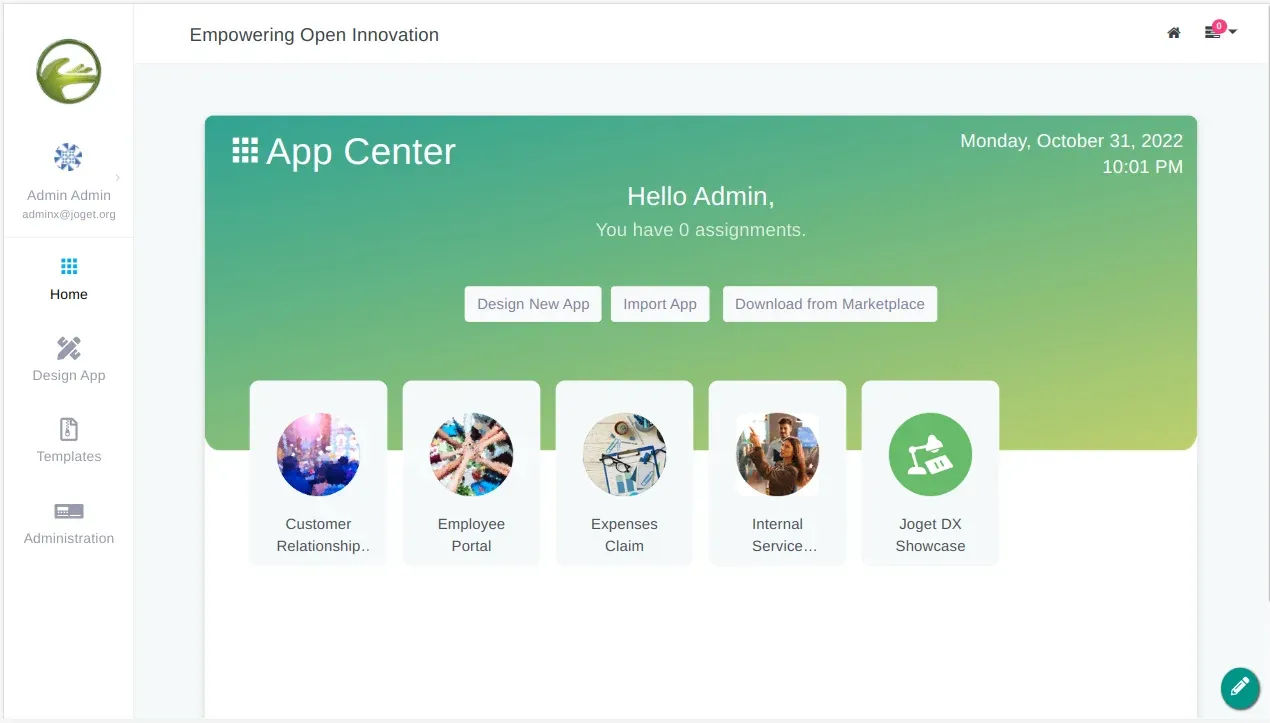
You’ll be greeted with Joget’s user-friendly interface, designed to simplify low-code app development. The dashboard is your central hub, where you can access key features and navigate through different sections easily.
Key Features: The dashboard provides quick access to app creation, low code/no code tools, workflow management, and data sources, making it easy to build low-code applications.
Navigation Tips: Use the left-hand menu to switch between different low-code/no-code tools and settings.
The visual builder and drag-and-drop interface are intuitive, helping you design and deploy apps efficiently.
Once your Joget environment is set up, it’s time to create your first low code application.
Building low code applications with Joget is straightforward, thanks to its intuitive low-code/no-code tools.
To start, log into your Joget dashboard and click on "Design New App." You’ll be prompted to name your project and choose a category.
After filling in these details, click "Create" to begin.
Design your low code application’s workflow using Joget's drag-and-drop tools. This visual interface lets you map out the flow of the app.
Simply drag elements like tasks and decision points into the workflow area and connect them to configure the basic structure.
Now, to create the forms and user interfaces your app will use Joget’s form builder. It is a key feature in joget low-code app development.
It allows you to design forms by dragging and dropping fields, buttons, and other components into place.
You can customize these elements to suit your low code application’s needs, ensuring a user-friendly interface.

Adding functionality to your low code application brings it truly to life. With Joget, you can easily incorporate data management and implement business logic, making your app both powerful and user-friendly.
In Joget, managing data is straightforward. You start by setting up databases that store essential information like customer details, inventory, or transaction records.
Setting Up Databases and Data Sources: Joget allows you to create new databases directly within the platform. You can define tables, fields, and relationships to organize your data efficiently.
Additionally, Joget can connect to existing databases, such as SQL, enabling your low code application to leverage existing data. This setup is crucial for creating low code applications that rely on accurate and accessible data.
Connecting Your App to External Data: For many low code applications, interacting with external data sources is vital. Joget simplifies this by providing connectors that allow your app to pull in data from existing databases.
This feature is particularly useful in low-code app development when building apps that need to integrate seamlessly with other systems, ensuring your app stays connected and functional.
Suggested Reading:
How Leading Industry Players are Shaping the Insurance World with Joget
Adding business logic to your app allows it to respond intelligently to user actions and automate processes.
Using Joget’s Built-in Tools for Automation: Automation is key in low-code/no-code tools like Joget. You can automate tasks such as sending notifications, updating records, or triggering approvals without writing complex code.
Configuring Rules and Actions for Your App: Joget lets you easily set up rules that govern your low code application’s behavior. Whether you need to restrict access based on user roles or trigger specific workflows, you can configure these actions using a visual editor.
This flexibility is a hallmark of effective low-code app development, allowing you to create low code applications that meet specific business needs.
Once your low code application is built, it’s important to conduct testing and deployment of the low-code app development process steps. With Joget, you can efficiently test your app, fix any issues, and deploy it with confidence.
Testing is crucial to catch and fix issues before your app is used by others. Joget provides tools to run tests directly within the platform.
How to Run Tests Within Joget: In Joget, you can test your app by simulating user actions, like filling out forms or navigating workflows. This helps you identify any errors or unexpected behaviors early on.
Use the preview mode to interact with your app as if you were a user, ensuring that everything functions as intended.
Debugging Tips and Tricks: Joget offers debugging tools to help you track down the problem.
Check logs and error messages to understand what went wrong, and use Joget’s step-by-step debugging feature to walk through your app’s processes.
Once testing is complete, you’re ready to deploy your low code application.
Steps to Publish Your App: Deploying your app in Joget is simple. First, ensure all configurations are correct.
Then, click the "Publish" button to make your app available to users. Joget allows you to deploy the app on your own server or a cloud environment.
Managing App Versions and Updates: After deployment, you may need to update your app.
Joget makes version management easy, allowing you to release updates without disrupting existing users. You can also roll back to previous versions if needed.
To make your low code applications even more powerful, you can enhance them with plugins and integrations. Joget offers a rich plugin ecosystem that allows you to add new features and connect with other tools seamlessly.
Plugins expand the functionality of your low-code app, making it more versatile and capable. Joget provides a wide range of plugins that you can easily find and install.
Finding and Installing Plugins: Within the Joget platform, you can browse the plugin marketplace to find tools that fit your app’s needs.
Installing a plugin is straightforward—simply select the plugin, click "Install," and it’s ready to use in your app. For example, you might add a plugin for enhanced reporting or advanced form controls.
Examples of Useful Plugins for Different Purposes: Joget offers plugins for various purposes, from integrating payment gateways to adding custom workflows.
For instance, you can use a CRM plugin to manage customer relationships directly within your app, or an analytics plugin to track user activity and generate reports.
Integrating your Joget app with other tools can significantly enhance its functionality, particularly in business environments.
How to Connect Your Joget App to Other Low-code/no-codeTools (CRM, ERP): Joget supports integration with a wide range of third-party services like CRM and ERP systems.
You can connect your app by configuring APIs or using built-in connectors. This allows your app to exchange data seamlessly with other business tools.
Benefits of Integration for Business Processes: Integrating low code applications with other tools streamlines workflows, reduces manual data entry, and enhances overall business operations.
For example, linking your app to a CRM system can automate customer data updates, ensuring that your sales team always has the latest information.
Joget is a low-code app development platform, providing various low-code/no-code tools for businesses to development low code applications quickly. It has a visual interface, making it easier to create workflows and automate tasks.
Building low code applications with Joget is a game-changer for businesses. It combines the simplicity of low-code/no-code tools with the power to create flexible, scalable, and cost-effective apps.
Whether you're new to app development or looking to speed up your workflow, Joget offers everything you need to succeed. From setting up your environment to deploying and enhancing your low code application, Joget makes the entire process smooth and efficient.
Embrace the future of low-code app development with Joget and start turning your ideas into reality today.
Custom Development
7 Apr 2026
Tell us what your business actually runs on today, and we will map what it takes to make it one system.