
Custom Development
Alcohol Delivery Market Share and Trends: Size, Growth, & Business Opportunities
7 Apr 2026
Building apps is no longer limited to expert coders. No code app development platforms make it easy for businesses to design and launch apps without months of complex programming.
With features like drag-and-drop builders, ready-made templates, and powerful integrations, these platforms cut costs, save time, and open app development to startups, entrepreneurs, and enterprises looking for rapid digital solutions.
This guide explores the 10 best no-code app development platforms in 2025, helping you choose the right one to meet your business and growth goals.
| Tool | Best For | Standout Feature | Pricing |
|---|---|---|---|
| AppsRhino | Fast, scalable custom app builds across iOS, Android, and Web | Drag-and-drop builder with custom API integrations | Starts at $14.99/month |
| Webflow | Designers creating professional, pixel-perfect websites | Visual design control + CMS with code export | Free plan, Paid plans from $14/month |
| Flutterflow | Quick, cross-platform mobile apps with Firebase | Native Firebase integration for real-time backend | Free plan, Paid plans from $30/month |
| Adalo | Brand-focused mobile apps with automation | Built-in database + Zapier integrations | Free plan, Paid plans from $36/month |
| Glide | Spreadsheet-driven mobile apps & prototypes | Turns Google Sheets into fully functional apps | Free plan, Paid plans from $25/month |
| AppSheet | Enterprise apps with offline and Google Workspace support | No-code workflow automation + cloud integration | Free plan, Paid plans from $5/user/month |
| Bettermode | Community platforms and content-driven apps | Built-in CMS with multilingual support | Free plan, Paid plans from $19/month |
| Appgyver | Visual-heavy apps on a lean budget | Responsive UI builder + large template library | Free for individuals and small businesses |
| Bravo Studio | Design-first mobile apps from Figma/XD | Direct Figma and Adobe XD integration | Free plan, Paid plans from $19/month |
| Thunkable | Beginners and small teams building mobile apps | Easy drag-and-drop components + cross-platform publishing | Free plan, Paid plans from $15/month |
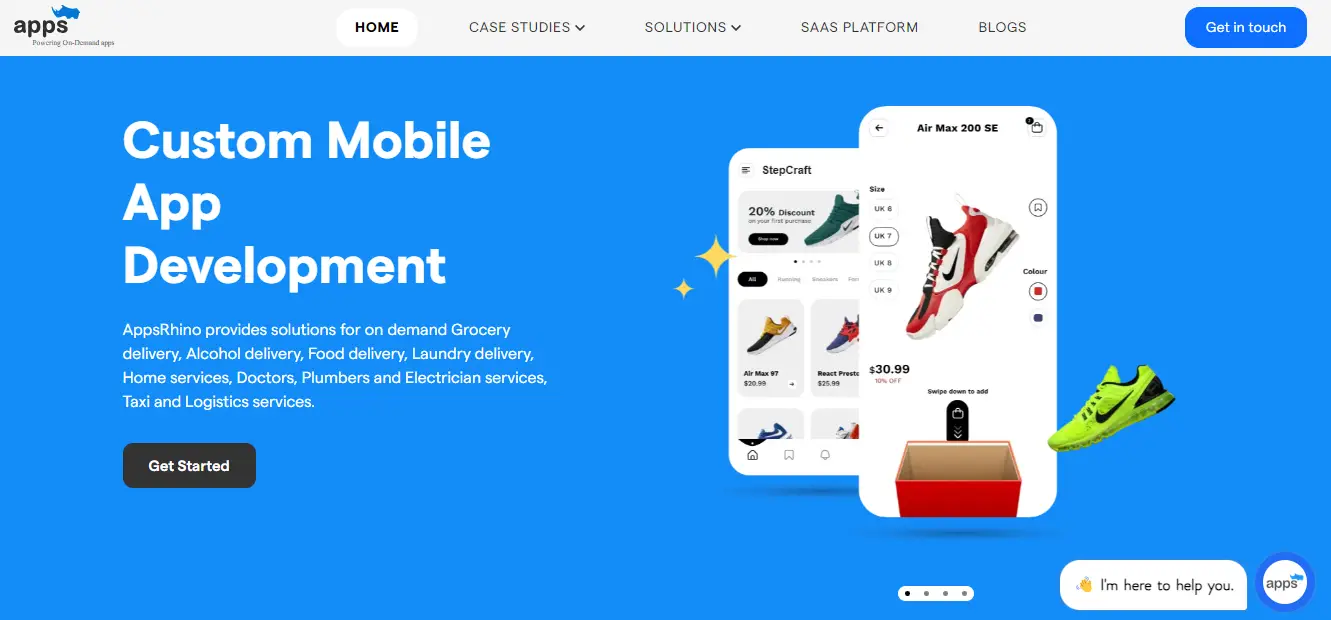
AppsRhino is a powerful no-code platform designed to help businesses build custom apps quickly across mobile and web. It offers a simple drag-and-drop builder, pre-built templates, and integration support that allow even non-technical users to create scalable applications.
For startups and enterprises alike, AppsRhino reduces the time and cost of development significantly. It also provides flexibility for industries like healthcare, on-demand delivery, and retail, making it an all-in-one solution for companies that need custom digital platforms.
Best for: Fast, scalable custom app builds across iOS, Android, and web.
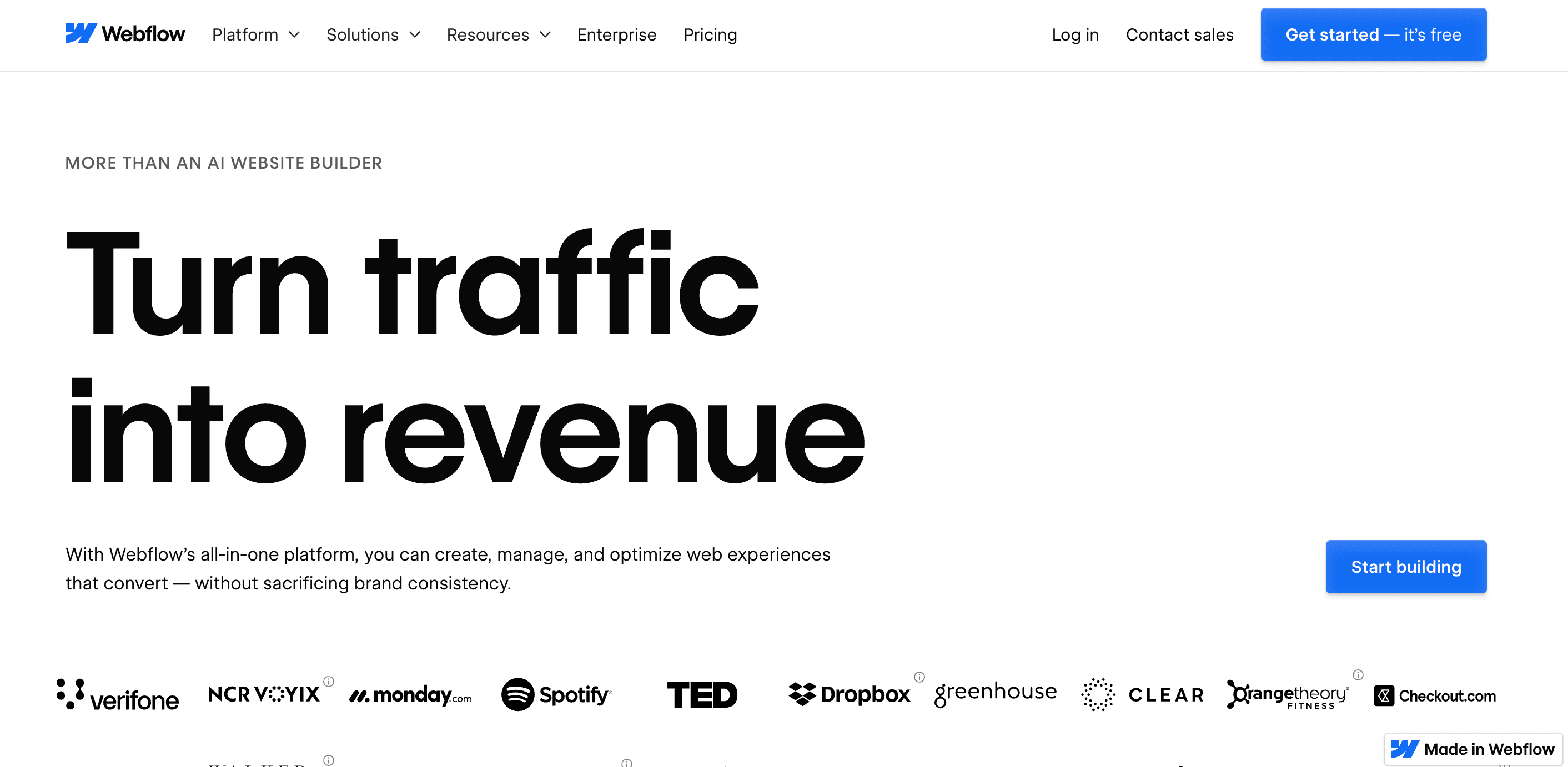
Webflow is a no-code platform designed for creating professional-grade websites without compromising design quality. It combines visual drag-and-drop tools with the power of custom code export, giving designers full control over every pixel.
Its CMS makes it suitable for content-heavy websites, blogs, and landing pages. Unlike most no-code builders, Webflow caters to advanced designers who want both creativity and scalability in one platform, especially for professional client projects.
Best for: Designers aiming for high-quality, pixel-perfect websites.
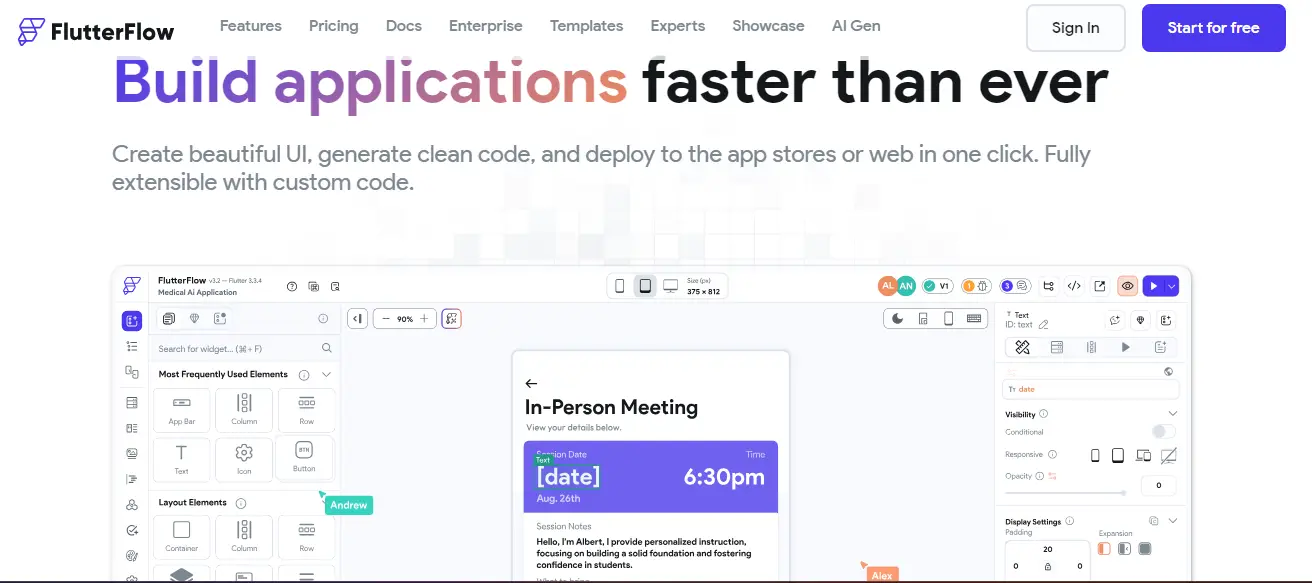
Flutterflow is a no-code tool built on Google’s Flutter framework, specializing in mobile app development. It provides an intuitive drag-and-drop interface, making it easier to create cross-platform apps for both Android and iOS.
Its strongest advantage lies in native Firebase integration, allowing teams to build backend-enabled applications quickly. Flutterflow is perfect for rapid prototyping, startups, and small businesses that want to validate ideas without heavy investment.
Best for: Quick, Firebase-backed mobile apps.
Suggested Reading: 7 Ways to Drive Success with No Code Integration Platforms!

Adalo is a no-code mobile app development platform known for its flexibility and ease of use. It empowers businesses to build customized mobile apps with strong automation features and database management.
With direct publishing to iOS and Android, Adalo helps companies reduce time-to-market. It also integrates with Zapier, making it easy to automate workflows across business operations and improve efficiency without requiring coding knowledge.
Best for: Brand-focused apps with strong automation workflows.
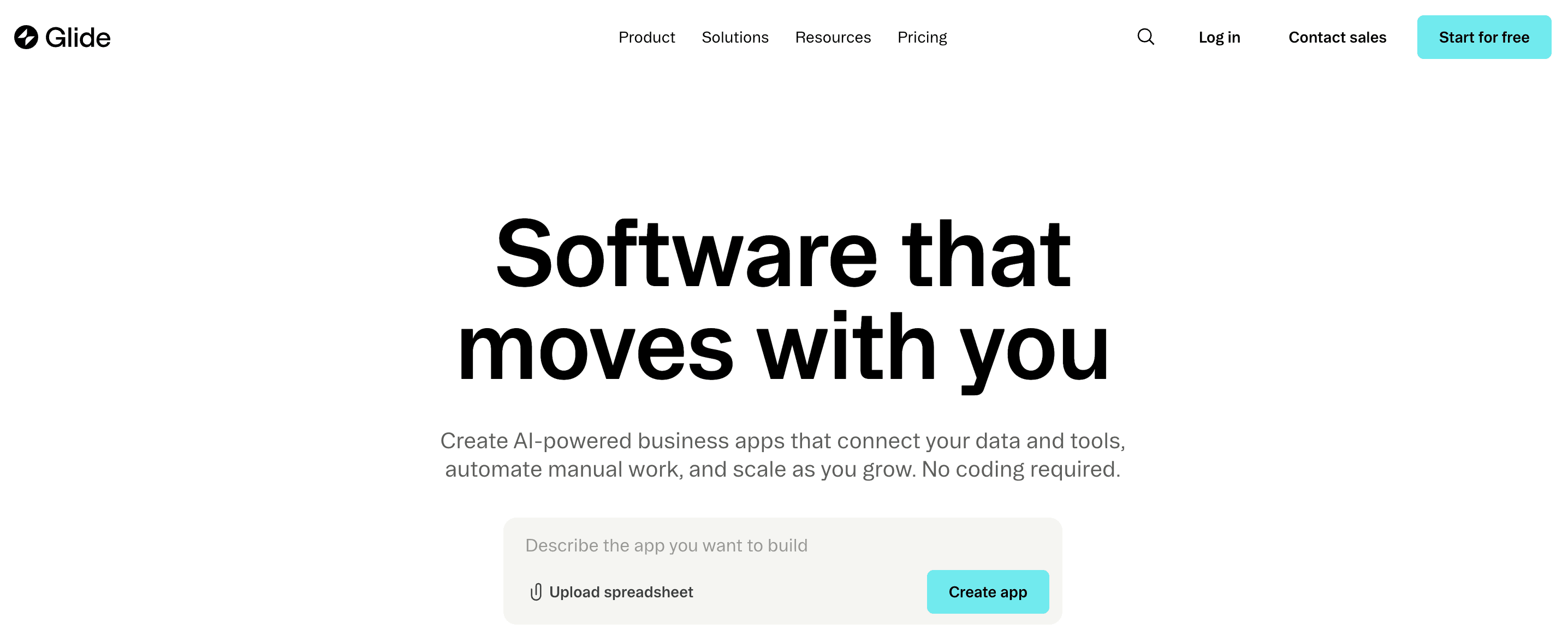
Glide specializes in turning Google Sheets into fully functional mobile apps. With its sheet-based backend, it allows businesses to create lightweight apps without any programming knowledge.
It’s particularly useful for small teams, educators, and startups that need quick prototypes or internal tools. Glide offers a balance of simplicity and functionality, though it may not support heavy, enterprise-grade apps.
Best for: Spreadsheet-driven mobile apps built quickly.
Suggested Reading: 8 No-Code Android App Development Softwares in USA

AppSheet, part of Google Cloud, focuses on workflow automation and enterprise needs. It allows users to transform spreadsheets and databases into interactive apps with minimal effort.
Its offline support is a standout feature, making it suitable for industries like logistics, construction, or field services where connectivity may be inconsistent. AppSheet is ideal for process automation and business reporting.
Best for: Enterprise apps requiring offline support and Google data integration.
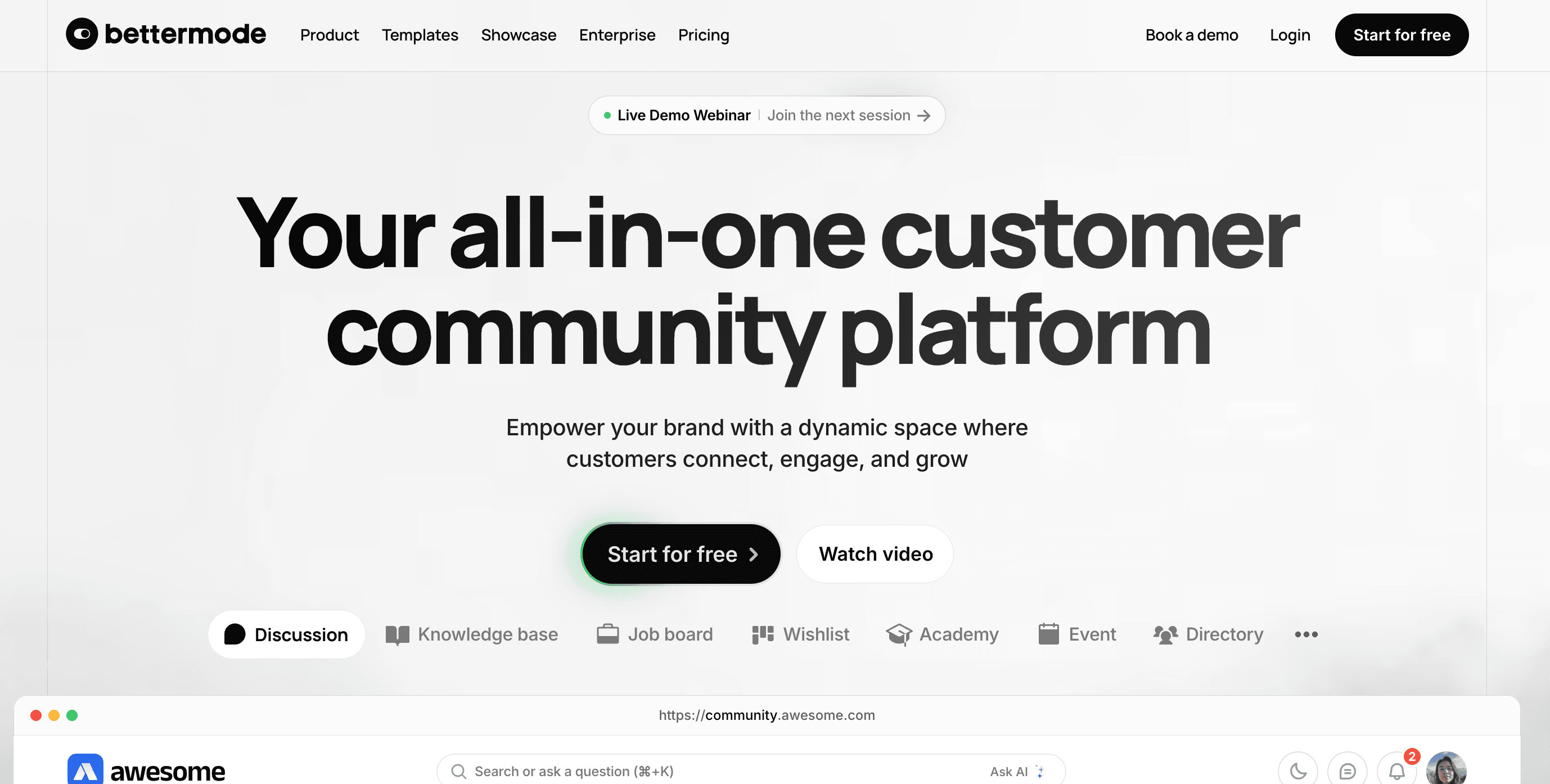
Bettermode is a no-code platform designed for building community platforms, forums, and microsites. It focuses on engagement and collaboration by offering multilingual support and a robust CMS.
Businesses and organizations use it to create branded communities, internal knowledge hubs, or customer engagement platforms. Its customization and content tools make it a good fit for community-driven products.
Best for: Building community platforms and content-heavy applications.
Appgyver is a robust no-code platform offering enterprise-grade app development at little to no cost. It features a wide range of responsive design tools and templates.
Its affordability makes it popular among startups and small teams. While it has a steep learning curve for beginners, it’s one of the most powerful free tools for creating cross-platform applications.
Best for: Visual-heavy apps on a budget.
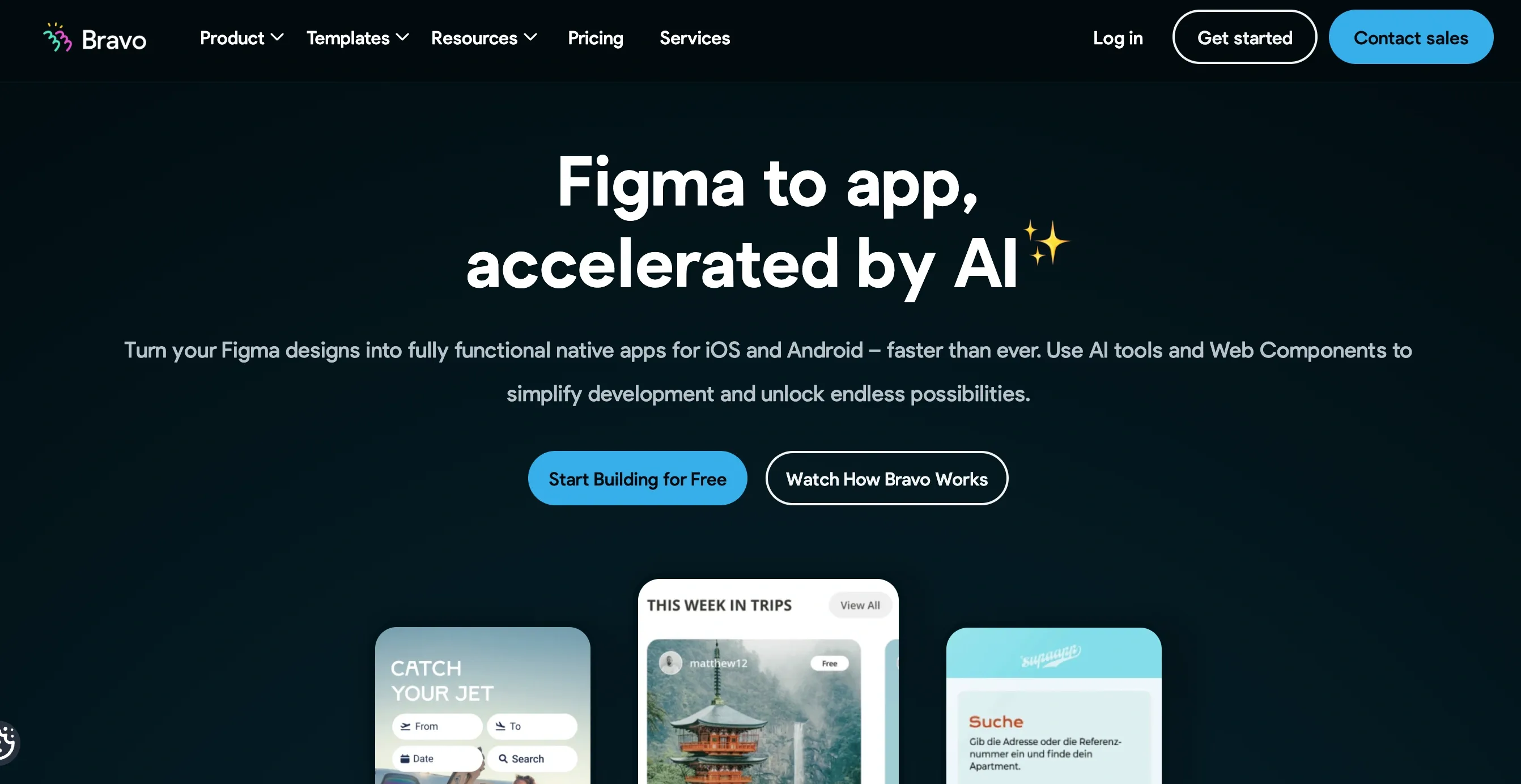
Bravo Studio is aimed at design-first workflows and integrates directly with Figma and Adobe XD. It enables teams to turn design prototypes into real apps.
This tool is highly valued by creative professionals who want to preserve design fidelity in mobile app builds. It bridges the gap between UI/UX design and functional app development.
Best for: Design teams building apps directly from Figma.
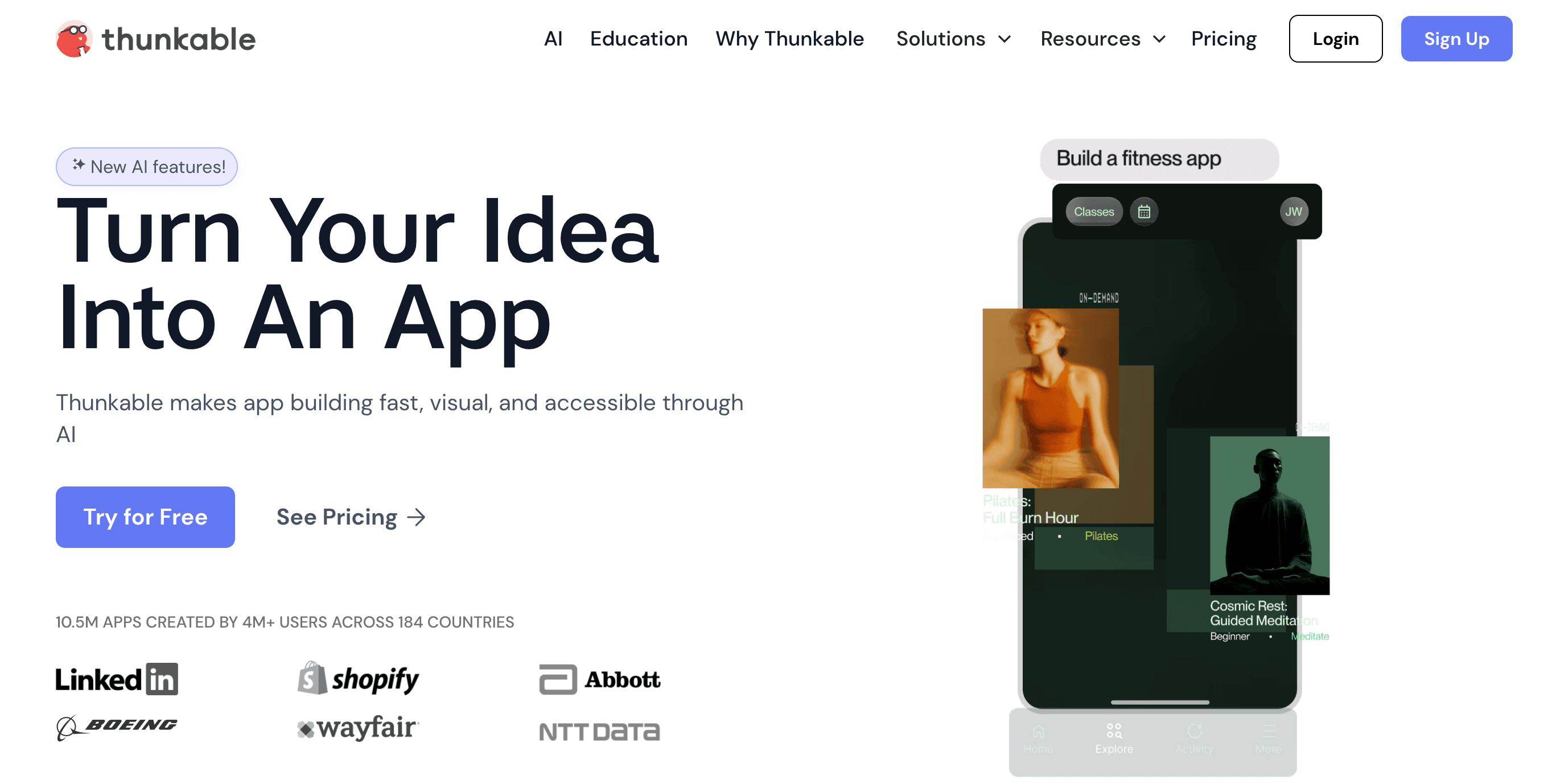
Thunkable is an easy-to-use no-code platform built for beginners and small businesses. Its drag-and-drop components and community-driven support make it ideal for mobile app creation.
It offers Android and iOS compilation with a straightforward interface, making it great for hobbyists, educators, and teams launching basic apps quickly.
Best for: Beginners and small teams creating simple mobile apps.
Choosing the right no-code development platform in 2025 depends on how well it aligns with your business and technical needs. The main criteria include ease of use, scalability, integration options, customization capabilities, pricing flexibility, and security compliance. A platform should allow even non-technical users to build apps quickly while offering advanced features for developers who want deeper control.
You should also look at the platform’s template variety, automation features, and community support. A platform backed by strong customer support and a growing ecosystem ensures smoother development and quicker troubleshooting. AI-powered features, analytics, and future-proof technology are now essential considerations to ensure your apps remain relevant in a competitive market.
Start by defining your goals—whether it’s building a mobile app, automating workflows, or creating a web solution. Next, evaluate platforms on usability, scalability, integration support, and cost structure. A good platform should simplify development with drag-and-drop tools and still allow advanced customization for unique business needs.
Check case studies, customer feedback, and available support before making a decision. Solutions like AppsRhino provide strong AI-driven automation, industry-ready integrations, and flexible pricing, making them an ideal choice for businesses and developers aiming for faster growth. By comparing features against your requirements, you can confidently pick a platform that ensures efficiency, ROI, and long-term success.
So, there you have it, a long list of no-code app development platforms and their advantages and disadvantages, which will help you choose the best as per your business’s unique requirements.
Before choosing the no-code app development platform, make sure to compare its technical aspects, the UI features, the workspace,ce especially whether it is user-friendly for no-coding users or not, its community and support system, previous user reviews on various co-pilot websites, etc.
Also, do not forget to check the different pricing plans offered by these platforms and compare them thoroughly beforehand to make sure that they match your budget requirements.
After such a thorough examination, make your choice for the no-code app development platform that will suit your budget and satisfy your targeted end users.
Best of luck with your no-code app development endeavors!
Suggested Reading: Why is AppsRhino the Best No-Code App Builder for You?
Custom Development
7 Apr 2026
Tell us what your business actually runs on today, and we will map what it takes to make it one system.